
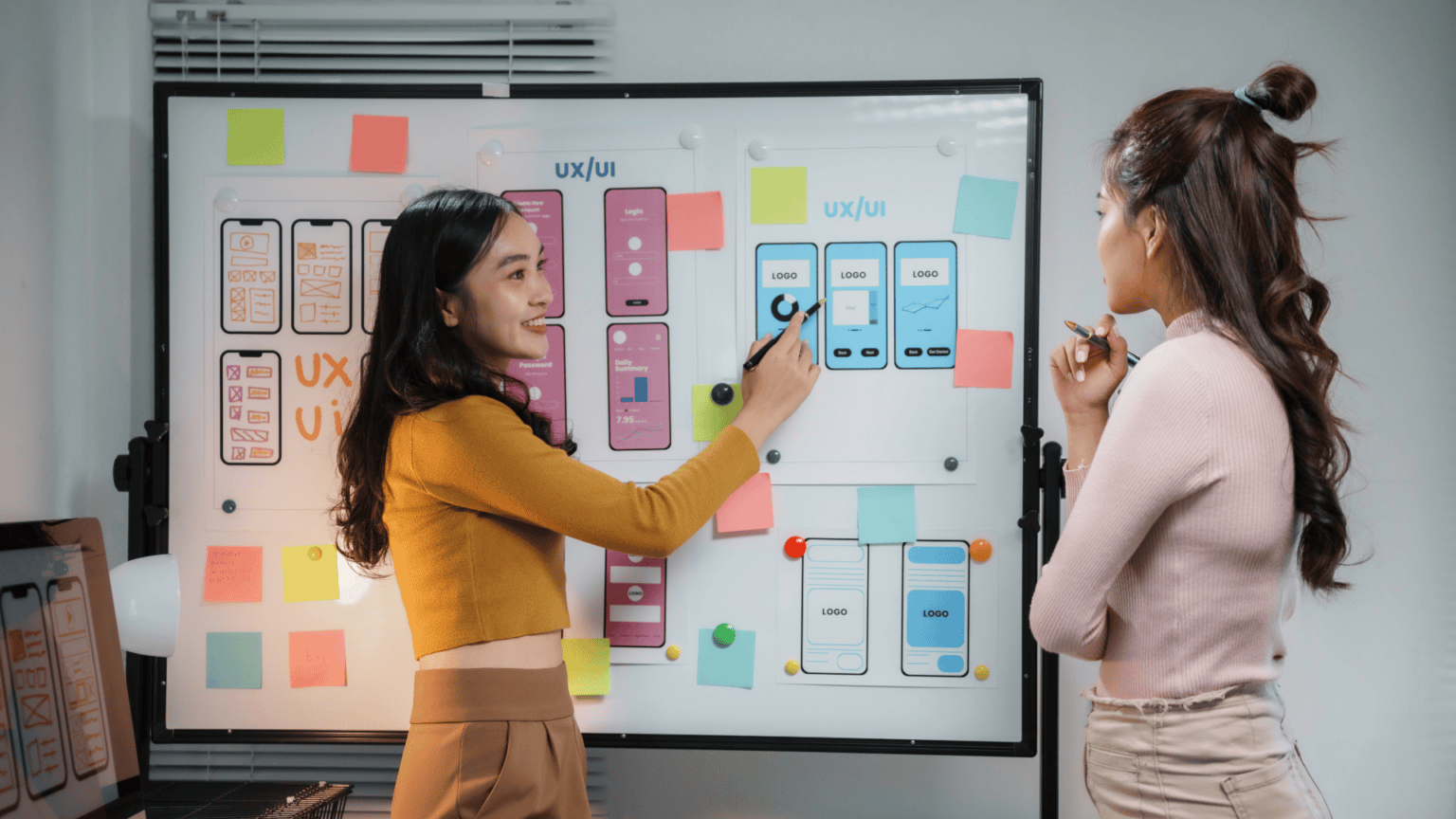
Clearer Journeys. Smarter Interfaces.
Ayzen Creatives designs digital experiences that are easy to navigate, intuitive to use and ready for the next stage of development. From user flows and wireframes to polished interfaces and interactive prototypes, we connect user needs with practical design decisions for websites, apps and digital platforms.
Hidden Friction. Missed Moments.
An interface can look impressive and still leave users wondering what to do next. Confusing navigation, crowded screens, inconsistent patterns and unclear calls to action create hesitation. When decisions are scattered across teams, the design-to-development handoff adds even more friction.
Good UI/UX brings structure to those decisions. It makes the path visible, the interactions understandable and the next step easier to take.
- Unclear JourneysUsers struggle to find information or complete important tasks.
- Inconsistent InterfacesDifferent screens feel disconnected, making experiences harder to learn.
- Handoff GapsUnspecified states, assets and behaviours leave too much to interpretation.
Every Screen.
Every Decision.
Connected.
Choose a focused UI/UX engagement or connect multiple design stages into one clear workflow. Deliverables are defined around the product, its audience and what the receiving team needs to build.
UX Discovery & Interface Reviews
Review existing screens, user needs, content priorities and known friction points to define the right starting scope.
User Flows & Information Architecture
Map navigation, content relationships and task paths so the experience has a clear underlying structure.
Wireframes & Interaction Planning
Translate journeys into page and screen layouts, key user actions and essential interface states.
UI Design & Responsive Experiences
Develop interface concepts for desktop, tablet and mobile with consistent visual hierarchy and interaction patterns.
Interactive Prototypes
Connect important screens and states so stakeholders can experience the proposed journey before development.
Design Systems & Developer Handoffs
Prepare reusable components, design specifications, responsive behaviours and organised files for implementation.
01UX Discovery & Interface Reviews
Review existing screens, user needs, content priorities and known friction points to define the right starting scope.
02User Flows & Information Architecture
Map navigation, content relationships and task paths so the experience has a clear underlying structure.
03Wireframes & Interaction Planning
Translate journeys into page and screen layouts, key user actions and essential interface states.
04UI Design & Responsive Experiences
Develop interface concepts for desktop, tablet and mobile with consistent visual hierarchy and interaction patterns.
05Interactive Prototypes
Connect important screens and states so stakeholders can experience the proposed journey before development.
06Design Systems & Developer Handoffs
Prepare reusable components, design specifications, responsive behaviours and organised files for implementation.
From Flow to Finish.
Find It Faster.
Help visitors locate services, understand the offer and reach the right next step without unnecessary navigation.
Find It Faster.
Help visitors locate services, understand the offer and reach the right next step without unnecessary navigation.
Information hierarchy, service discovery, responsive navigation and visible calls to action.
Static concept overview. Enable JavaScript to explore the design stages and working interactions.
Less Effort. More Momentum.
Turn a multi-step setup flow into a clear, progressive experience that gives users context before asking for input.
Less Effort. More Momentum.
Turn a multi-step setup flow into a clear, progressive experience that gives users context before asking for input.
Step clarity, helpful feedback, form hierarchy, progress visibility and error guidance.
Static concept overview. Enable JavaScript to explore the design stages and working interactions.
Clarity at a Glance.
Organise tasks, statuses and next steps into a dashboard that makes prioritisation easier.
Clarity at a Glance.
Organise tasks, statuses and next steps into a dashboard that makes prioritisation easier.
Information density, hierarchy, status clarity, filter states and responsive data cards.
Static concept overview. Enable JavaScript to explore the design stages and working interactions.
Five Stages. One Clear Direction.
The right interface comes from decisions made in the right order. We structure each engagement to make inputs, reviews, outputs and ownership clear from the outset.
Understand
Align on business goals, audiences, existing materials, tasks and project constraints.
Map
Define the information structure, user journeys and screens that matter most.
Design
Develop wireframes, interface patterns and responsive layouts for the agreed scope.
Review
Gather structured feedback, resolve key usability concerns and refine important interaction states. Formal user testing can be scoped separately where required.
Handoff
Organise approved design files, components, responsive guidance and implementation notes for the development team.
Beyond Mockups. Ready for Build.
Good interface design needs to survive the handoff. Depending on the agreed scope, deliverables may include:
Journey & Navigation Maps
Task flows, information architecture and key page or screen relationships.
Screen & Interface Designs
Wireframes, high-fidelity layouts and responsive design considerations.
States & Behaviours
Navigation, empty, success, error and interaction states relevant to the product.
Prototype & Review Files
Clickable flows and organised feedback-ready concepts.
Handoff Package
Component guidance, asset specifications and implementation notes for the receiving team.

Designed for Teams That Build.
Our UI/UX support is relevant wherever a digital experience needs more structure, clarity or execution capacity.
- 01
Creative & Digital Agencies
Extend specialist UI/UX capacity within an agreed client delivery model.
- 02
Growing Brands
Improve important website journeys, content structure and digital touchpoints.
- 03
Product & SaaS Teams
Develop or refine user flows, dashboards and core interface patterns.
- 04
Business & Operations Teams
Make tools, portals and internal workflows easier to understand and navigate.
Your Vision. Our Design Support.
For agencies, Ayzen Creatives can provide behind-the-scenes UI/UX design support within a clearly defined engagement. We agree requirements, review responsibilities, file access, confidentiality and client-facing visibility in advance, so your team can stay in control of the relationship and final delivery.
Suitable for a defined project, a design-intensive workstream or recurring creative support—based on the scope and capability required.
Sharper Reviews.
Cleaner Handoffs.
A strong experience should be coherent across the screens and states that users actually encounter. Our structured reviews check agreed flows, visual consistency, responsiveness and completeness of handoff materials. Where included in scope, this approach can align with the quality-review principles behind the Ayzen QC Lab.
No universal accessibility compliance, usability result or performance improvement is implied without project-specific testing and evidence.
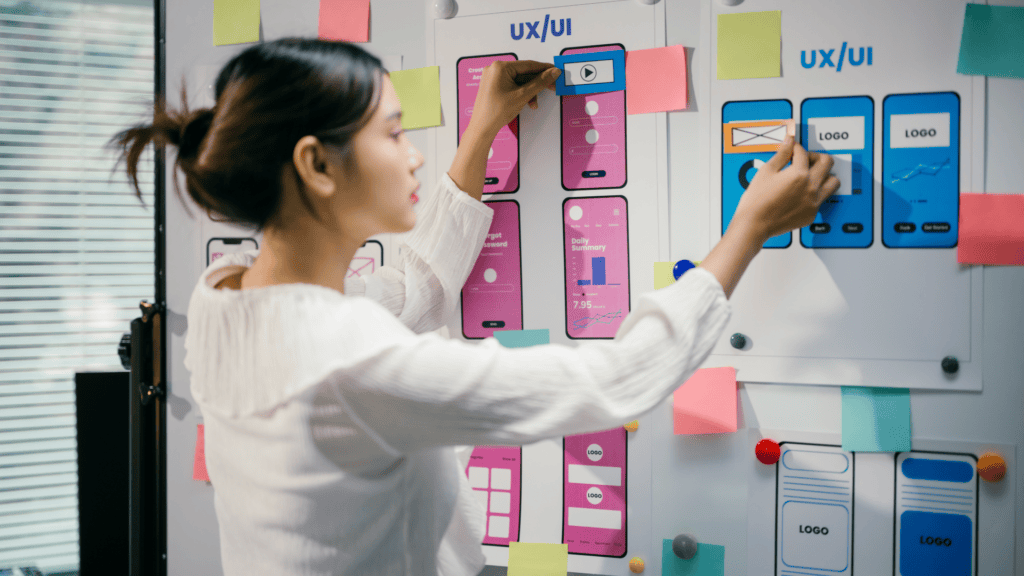
UI/UX Design
FAQs
What Types of UI/UX Projects Can Ayzen Creatives Support?
We can discuss website experiences, landing-page journeys, web or mobile app interfaces, product dashboards and existing interface refinements. The starting scope depends on the users, tasks, available inputs and intended implementation.
Can You Work From an Existing Website or Product?
Yes. We can review current screens, content and navigation to identify where a focused redesign or broader UI/UX engagement may be useful. Discovery depth is agreed before work begins.
Do You Provide Wireframes and Interactive Prototypes?
Wireframes, flows and interactive prototypes can form part of the deliverables. We define which screens, states and level of prototype fidelity are included in the brief.
Do You Design for Desktop and Mobile?
Responsive considerations are included where relevant to the agreed project. Required device breakpoints, screen sizes and behaviour are identified during scoping.
Can Ayzen Creatives Support Agencies on a White-Label Basis?
Yes, for suitable projects. Confidentiality, client visibility, ownership, approvals and handoff expectations are agreed within the engagement.
Do You Also Develop the Website or Application?
Website Development is a related Creative Solutions capability. Design and implementation can be discussed together, but development is not automatically included in a UI/UX design scope.
How Are Timelines, Revisions and Testing Managed?
Milestones, review rounds, deliverables and any user-testing activities depend on complexity, dependencies and agreed scope. We do not apply one universal turnaround or testing promise to every project.
Your Next Experience.Built Better.
Building a new digital experience or improving an existing one? Tell us what users need to do, where the current journey falls short and what your team needs next. Ayzen Creatives can help define a clear UI/UX starting point and the right design deliverables.
Create With Precision. Build With Purpose. Grow With Confidence.